Getting Started with Arduino
Arduino Day One
 November 30 2017, starts slowly for a birthday, get out of bed, make coffee, and eventually at the end of everything: PRESENTS! It started out with nothing too ground breaking, a few socks, and some pants, but oh how I was a fool for believing my parents had let me down! They handed me three separate little boxes, filled to the brim with different modules and sensors! That very day, the trip down the rabbit hole began, C++, electronics and much, much, more!
The first step towards total world domination through the Arduino uno would be: installation of the Arduino text editor! Navigating to the arduino site and moving into the software tab, then downloading the Arduino IDE for your respective operating system, will, most definitely, be the easiest thing you do with Arduino…
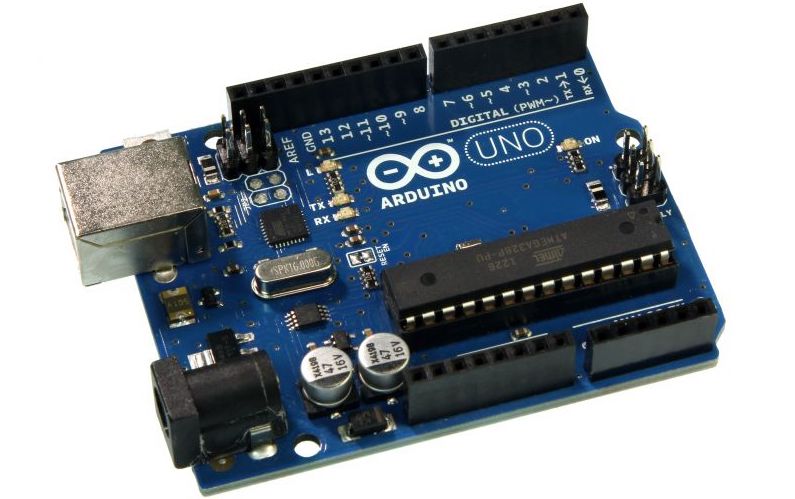
Once the IDE is fully installed, your first objective should be to locate your Arduino board and a USB cable. Next, head over to the tools function, choose the correct AVR board, and then hook up your Arduino, and select the proper USB port under Ports. Once steps one and two have been completed, you should be set to start wiring and coding!