Getting Started with Arduino
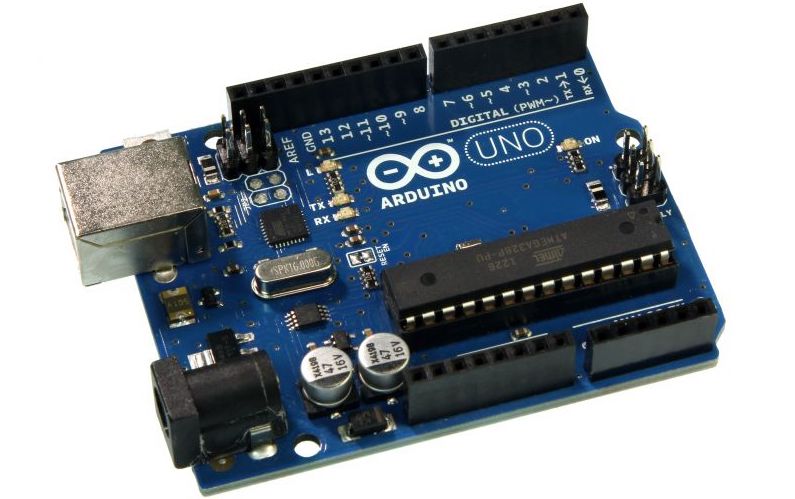
My Adventure in Arduino land
 An image flushed right
with text right next to it to show what is happening. This is a
paragraph of text about what I did with this board…. Lorem ipsum
dolor sit amet, consectetur adipiscing elit. Pellentesque ultricies
rutrum lorem eu consequat. Donec quis pellentesque velit, nec
pellentesque velit. Donec orci felis, consectetur non tincidunt eget,
imperdiet in dui. Cras ut ante malesuada, fringilla sapien a,
malesuada libero. Morbi neque lacus, commodo sed lobortis vel, rhoncus
ac est. In eu dictum nisi, sed aliquet enim. Etiam consectetur
consectetur egestas.
An image flushed right
with text right next to it to show what is happening. This is a
paragraph of text about what I did with this board…. Lorem ipsum
dolor sit amet, consectetur adipiscing elit. Pellentesque ultricies
rutrum lorem eu consequat. Donec quis pellentesque velit, nec
pellentesque velit. Donec orci felis, consectetur non tincidunt eget,
imperdiet in dui. Cras ut ante malesuada, fringilla sapien a,
malesuada libero. Morbi neque lacus, commodo sed lobortis vel, rhoncus
ac est. In eu dictum nisi, sed aliquet enim. Etiam consectetur
consectetur egestas.
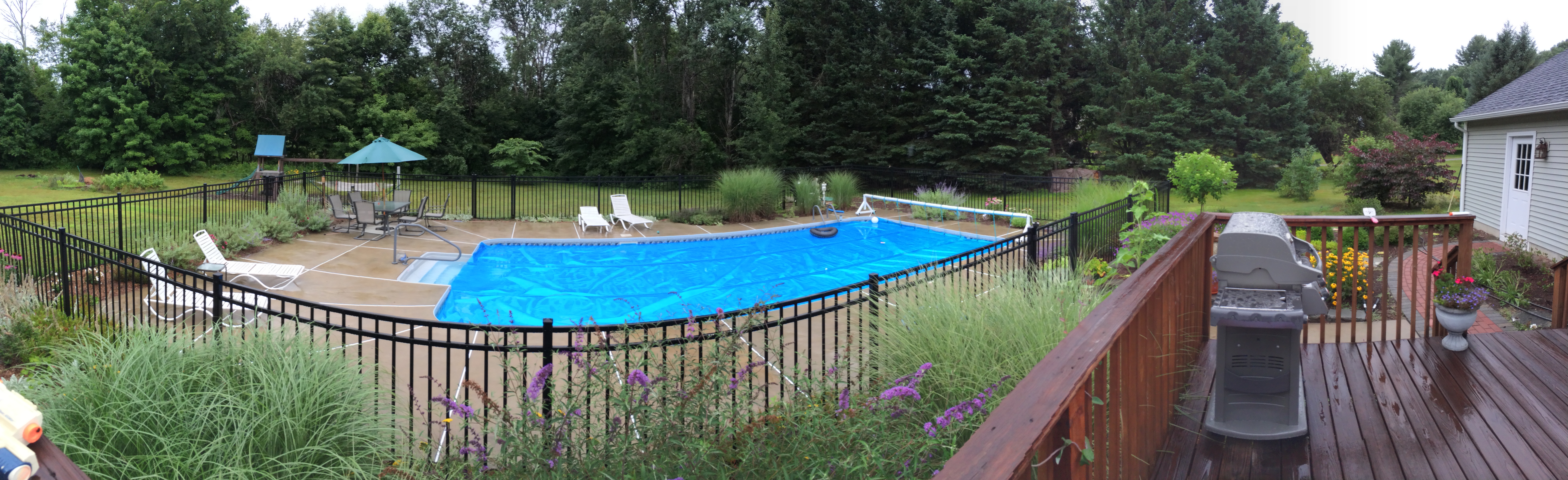
Here is a sample of adding a picture hosted on the site itself.
It’s not all that difficult to include links either. For instance to link to the arduino site.
Showing some HTML highlighting….
If you need to write some math: $$ z = r \cdot (\sin{\phi} + \cos{\phi} \cdot i) + \sum_{i=0}^k \frac{1}{i^k}$$
Markdown overall
Whenever you wish to emphasize, underscores will do. Double star are fine too.
Markdown tutorial in case you want to learn more about that language….
Basic highlight
Is easy…
<p>Dump some html <b>here</b></p>But not that much control on details. If you want to use full scale configuration for pretty code, you need the hugo highlight command.
Showing some HTML highlighting….
<section id="main">
  <div>
   <h1 id="title">{{ .Title }}</h1>
    {{ range .Data.Pages }}
        {{ .Render "summary"}}
    {{ end }}
  </div>
</section>
C++ Highlight
#include <iostream>
int main() {
  std::cout << "Hello world!" << std::endl;
  return 0;
}
Youtube
The youtube shortcode embeds a responsive video player for YouTube videos. Only the ID of the video is required, e.g.:
https://www.youtube.com/watch?v=w7Ft2ymGmfcQuoting text….
Sometime you want to quote a paragraph from someone else. That’s not too hard to do either. Simply indent!
Lorem ipsum dolor sit amet, consectetur adipiscing elit. Pellentesque
ultricies rutrum lorem eu consequat. Donec quis pellentesque velit,
nec pellentesque velit. Donec orci felis, consectetur non tincidunt
eget, imperdiet in dui. Cras ut ante malesuada, fringilla sapien a,
malesuada libero. Morbi neque lacus, commodo sed lobortis vel, rhoncus
ac est. In eu dictum nisi, sed aliquet enim. Etiam consectetur
consectetur egestas.
We are back!
Lists
Lists are easy too
- go with stars
- and another
- and a third
- you can nest too
- that’s easy see?
- back to level one.
Tables
Are handy. To produce a two row, two columns layout all you have to do is use the code shown below.
  First Header  | Second Header
  ------------- | -------------
  Content Cell  | Content Cell
  Content Cell  | Content Cell
And you are rewarded with this table!
| First Header | Second Header |
|---|---|
| Content Cell | Content Cell |
| Content Cell | Content Cell |